Pair with Claude
AI design review for the schema in your repo.
A second set of eyes on the design — not the syntax. Claude reviews how your schema is modeled and shows you what to fix before you build on it.
What it does
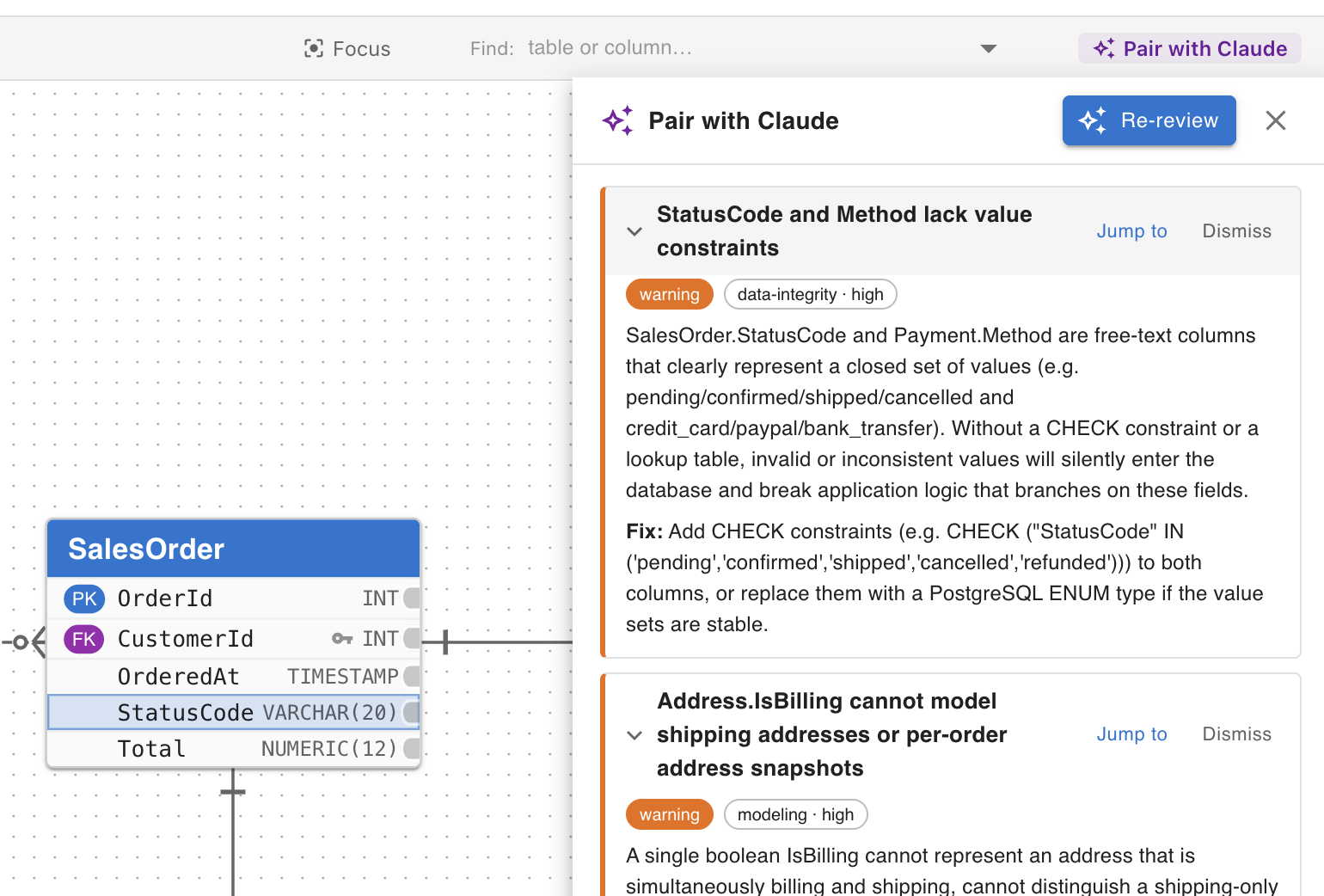
Click Pair with Claude and it reviews how your schema is modeled: a table that should be split, a missing index on a column you join on constantly, a relationship pointing the wrong way, naming that won't age well. Each finding is a card you can jump to, act on, or dismiss — dismiss it and it stays gone. It's a review, not a rewrite: you decide what changes.
Not another linter
ERDone already runs deterministic health checks for SQL syntax and dialect correctness. Pair with Claude reviews the modeling underneath — the judgment calls a linter can't make.
Why ERDone, not just the AI
Plenty of tools have bolted on an AI. What they don't have: your diagrams committed to your own GitHub repo with full git history (never on our servers), real baseline-diff migrations that flag every DROP before you run it, and 8 SQL dialects — all for $7/month. Pair with Claude is the newest reason to use ERDone; it isn't the only one.
Who it's for
The engineer who just joined the team and inherited a database design nobody's reviewed in a while.
The lead engineer, pulled in ten directions, who wants a second set of eyes on whether the design will scale.
The engineer who's shipped a migration that went badly because a design problem surfaced too late.
Honest note
Every finding is a suggestion you can dismiss, and it never edits your schema. Your diagrams still live in your repo; running a review sends the schema's DDL to the AI only when you click, nothing stored. On Pro ($7/mo) and Team ($12/mo); free for 14 days on trial.
Pair with Claude is AI reviewing your design. Want your coding agent reading it too? That's the MCP server.